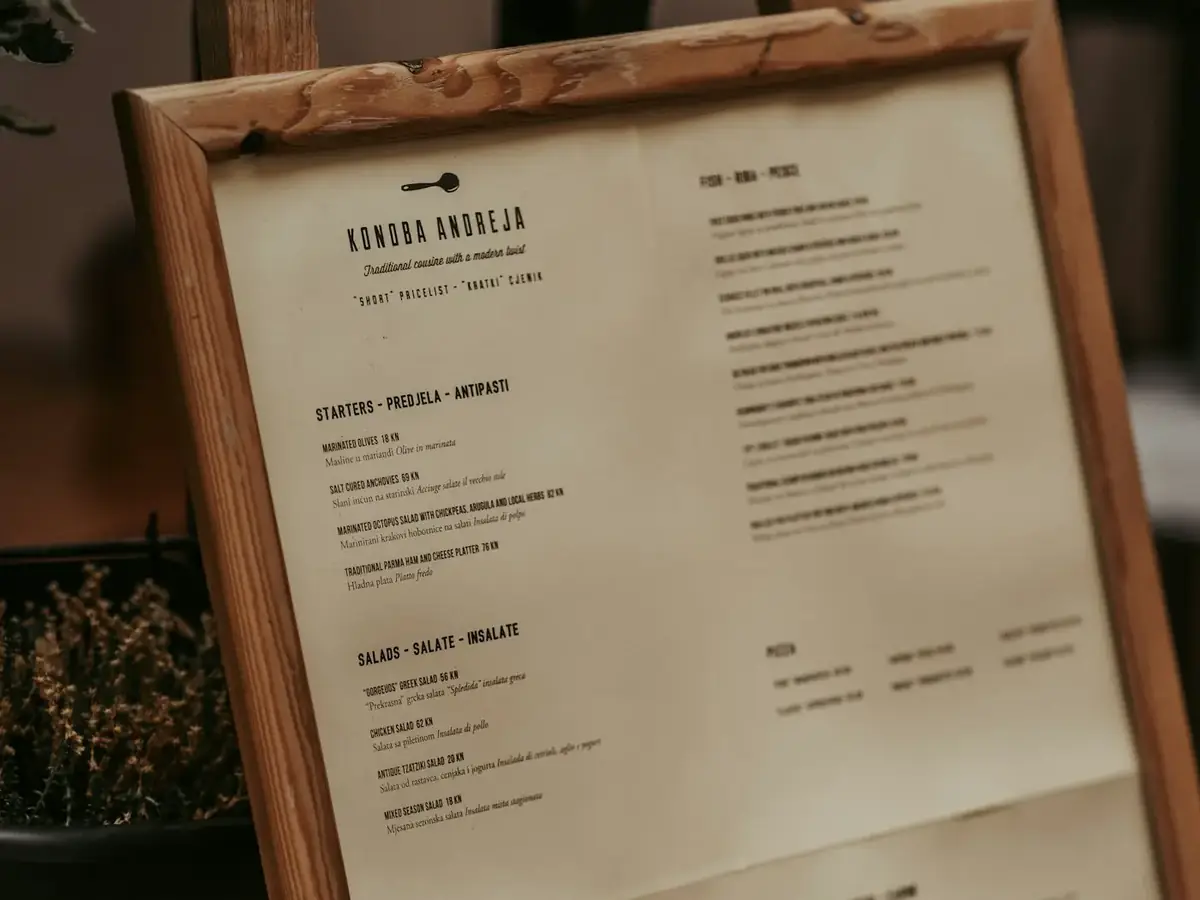
Menu types, with examples
Most restaurants mix more than one format. Choose the one that matches how guests order.
| Menu type | How it works | Example |
|---|---|---|
| À la carte | Every dish is priced separately | Burger $18, fries $6, salad $9 |
| Prix fixe (table d’hôte) | One price for a set number of courses, often with a choice in each | 3 courses for $45: soup or salad, 2 mains, 2 desserts |
| Tasting menu | Chef-chosen sequence of small courses, common in fine dining | 7 courses, optional wine pairing |
| Combo / meal deal | Bundled items at one price, common in quick service | Sandwich + side + drink |
| Online / delivery menu | A shorter version with photos, modifiers and dietary tags | 12 best-travelling dishes, add-ons as options |
Menu design ideas that help guests choose
- Run the numbers first. Menu engineering sorts dishes by popularity and margin (stars, plowhorses, puzzles, dogs), so you know which to promote, reprice or drop (Toast Canada, menu engineering).
- Use the eye’s path. Place high-margin dishes where eyes land first, such as the top and centre, and highlight a few with a box or “chef’s pick” label, not all of them (Toast Canada, menu design tips).
- Keep categories short. Clear sections, white space and one-line descriptions read faster than long lists.
- Write prices plainly. Use the same format everywhere and avoid leader dots that pull the eye to the price column.
- One menu, every channel. Keep prices and items identical on your website, Google profile and ordering page.
Turning your menu into an online menu
- Cut to the dishes that survive 20 minutes in a bag.
- Add a photo and a one-line description to each item.
- Turn choices into modifiers (size, sides, spice level) instead of separate items.
- Tag dietary options (vegetarian, gluten-free) only if accurate.
- Mark items as sold out instead of deleting them.
Rules for menus in Canada
- Ontario calories: food service chains with 20 or more locations in Ontario must show calories for standard items on menus and menu boards, including online menus, plus a contextual statement on daily calorie needs (Ontario, Calories on menus: information for businesses; Ontario, Healthy Menu Choices Act fact sheet (restaurants)).
- Quebec French: menus and wine lists must be in French; another language can be added if French is at least as prominent (Charte de la langue française, art. 51; OQLF, Menus de restaurants).
- Nutrition and allergen claims: federal nutrition labelling rules mostly target prepackaged food, but any nutrition information you volunteer must be accurate and not misleading (CFIA, nutrition labelling for foods sold in restaurants). Always answer allergen questions carefully.
Where Chefzi fits
Chefzi is a commission-free online ordering system for Canadian restaurants: your own ordering page in English and French, for a flat $35 a month. Your menu, modifiers and sold-out items stay in sync on your own ordering page in English and French. If that sounds useful, book a 15-minute demo and we will show you your own menu in it. No pressure if you are just researching.
Sources
Ontario, Calories on menus: information for businesses; Ontario, Healthy Menu Choices Act fact sheet (restaurants); CFIA, nutrition labelling for foods sold in restaurants; Charte de la langue française, art. 51; OQLF, Menus de restaurants · Toast Canada, menu engineering; Toast Canada, menu design tips
Frequently asked questions
What should a restaurant menu include?
Dish names, short descriptions, prices, and clear sections. Online, add photos, modifiers and dietary tags.
What is the difference between à la carte and prix fixe?
À la carte prices each dish separately. Prix fixe (table d’hôte in Quebec) is one price for a set number of courses.
Do I have to show calories on my menu?
In Ontario, only if you are part of a chain with 20 or more Ontario locations. Check your province for other rules.
Does my menu have to be in French in Quebec?
Yes. Other languages may be added, but French must be at least as prominent.
How do I make my restaurant menu available online?
Put the same items, prices and options on an online ordering page rather than a PDF: customers can then order straight from the menu. Keep names short, add modifiers (sizes, extras) and allergens, and link the page from your website, Google listing and a QR code. See features.