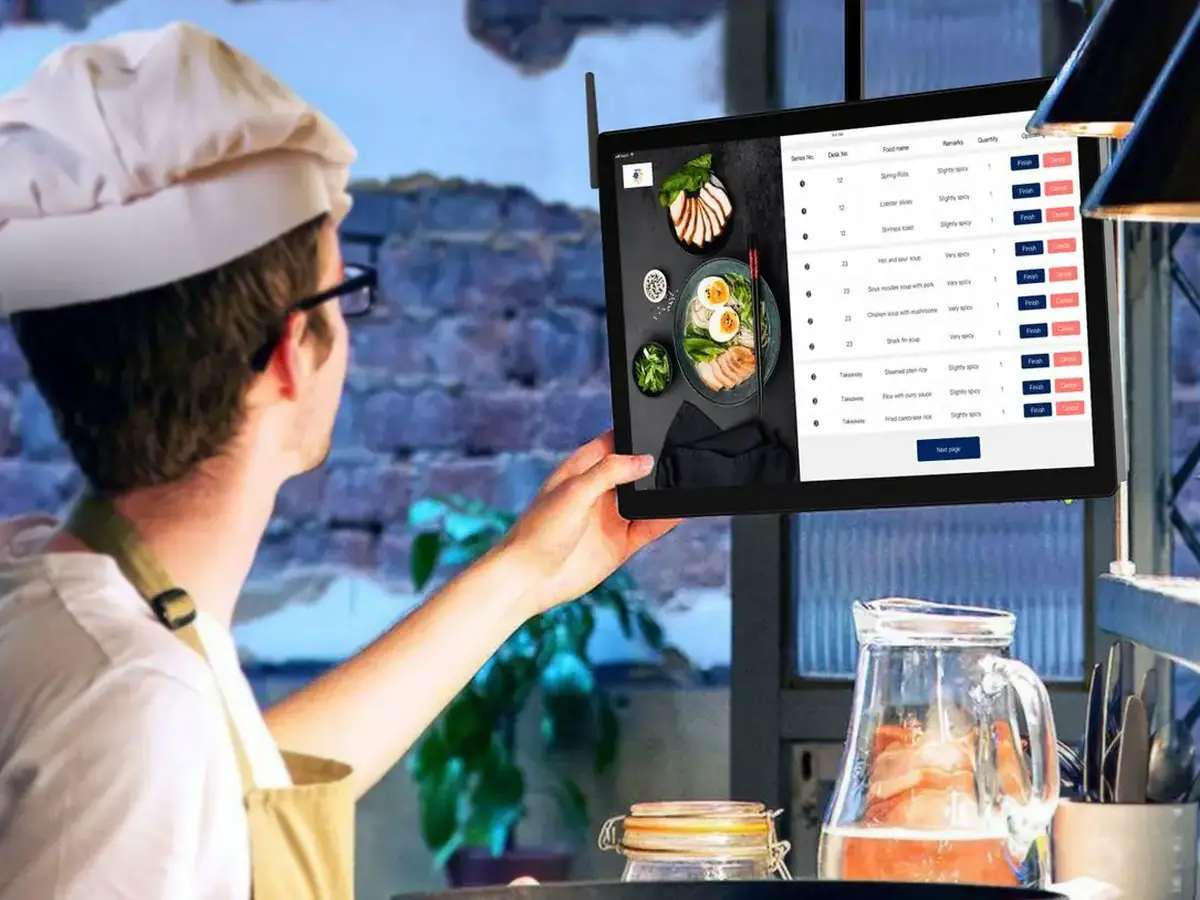
What a restaurant POS does
A restaurant POS combines software and hardware to take orders, send tickets to the kitchen, take payments and report sales. Restaurant-specific systems add tables, courses, modifiers, bill splitting and tips.
Canadian checklist
- Interac debit, Visa, Mastercard, tap and mobile wallets, on the actual hardware.
- Sales tax by province: GST, HST, PST or QST applied automatically and shown correctly on receipts (CRA, GST/HST rates by province).
- Quebec: restaurants must record sales with a sales recording system (SRS) certified for the WEB-SRM. Check the exact version and service types on Revenu Québec’s list (Revenu Québec, restaurant sector (SRS / WEB-SRM)).
- French screens, menus and receipts if you operate in Quebec.
- Data and privacy: where data is stored, and how you export your own sales history.
- Offline mode: what still works when the internet drops.
What a POS really costs
| Cost line | What to ask |
|---|---|
| Software | Monthly fee per location and per terminal |
| Payment processing | Rate per transaction for debit, credit and tap |
| Hardware | Buy or lease, and who owns it at the end |
| Add-ons | Online ordering, loyalty, inventory, kitchen display |
| Contract | Length, early-termination fee, data export |
POS and online ordering
You do not have to change your POS to take online orders. Orders can arrive on a tablet or printer, or flow into the POS through an integration. Ask your POS provider what integrations they support, and in Quebec how online orders are recorded in your SRS.
Card processing on a restaurant POS
Hardware and software are only part of the cost; processing is charged on every card sale. As a published Canadian benchmark, Stripe Terminal is 2.7% + C$0.05 for most in-person cards and Stripe online is 2.9% + C$0.30 (Stripe Canada pricing); Square online is 2.8% + 30¢ (Square Canada fees). Ask every POS vendor for their rate and whether you can use your own processor.
POS by restaurant type
| Restaurant type | Must-haves |
|---|---|
| Quick service / takeout | Fast order entry, kitchen display or printer, online ordering link |
| Full service | Table map, split bills, tips, coursing |
| Delivery-only / ghost kitchen | Online and app orders in one queue, prep timers; see cloud kitchens |
| Quebec, any type | Certified SRS / WEB-SRM billing for restaurant sales |
Café, bar and hospitality POS: what changes
| Business | Must-have POS features |
|---|---|
| Café / coffee shop | Fast modifiers (milk, size), tipping on the terminal, loyalty |
| Bar / pub | Open tabs, split bills, age-restricted items |
| Full-service / hospitality | Table and seat management, coursing, kitchen display |
| Quick service | Combos, order-ahead and pickup screens, online orders in the same queue |
Where Chefzi fits
Chefzi is a commission-free online ordering system for Canadian restaurants: your own ordering page in English and French, for a flat $35 a month. Chefzi adds commission-free online ordering next to the POS you already have. Chefzi also offers its own POS and kitchen display in Canada. In Quebec, a restaurant’s sales recording system must meet Revenu Québec’s WEB-SRM rules. The Chefzi POS is not certified for Quebec’s sales-recording rules (WEB-SRM), so Quebec restaurants must keep a certified sales-recording system (SRS) and should confirm their setup with us first. If that sounds useful, book a 15-minute demo and we will show you your own menu in it. No pressure if you are just researching.
Sources
Revenu Québec, restaurant sector (SRS / WEB-SRM) · CRA, GST/HST rates by province · RBC, guide to POS systems, checked 27 October 2026
Ordering, the till and the kitchen in one system
Most restaurants run three systems that don’t talk to each other: a POS at the counter, a tablet for each delivery app, and paper tickets in the kitchen. Chefzi puts them in one place: a POS, a kitchen display, loyalty, table reservations and online ordering with no commission per order. Card payments go straight to your restaurant.
Before you switch tills (true for any POS): check card terminals and rates, GST/HST, PST or QST on receipts, data export and contract terms. In Quebec, the system must meet Revenu Québec’s WEB-SRM rules for restaurants. The Chefzi POS is not certified for WEB-SRM, so keep a certified SRS and confirm your setup with us. Plans are month-to-month, with discounts on 1-, 2- and 3-year plans. Menu setup and onboarding are free. See it in a demo.
Frequently asked questions
What is the best restaurant POS system in Canada?
The one that handles Interac, your province’s taxes and, in Quebec, is SRS-certified for your service type, at a total monthly cost you can live with. Test it on real hardware first.
Do Quebec restaurants need a certified POS?
Yes. Restaurants in Quebec must use a sales recording system certified for the WEB-SRM. Revenu Québec publishes the list.
Do I need a new POS for online ordering?
No. Online orders can arrive on a tablet or printer, or through an integration with your POS.
Do I need a special POS in Quebec?
Restaurants in Quebec must use a billing system that meets Revenu Québec’s mandatory billing rules (SRS / WEB-SRM). Ask the vendor if their POS is certified.
How much are card fees on a restaurant POS in Canada?
Rates vary by provider. As a published benchmark, Stripe Terminal charges 2.7% + C$0.05 for most in-person cards in Canada.
Does a POS include online ordering?
Some do, often for an extra fee. A separate ordering system can send orders to the kitchen alongside the POS.
How does a POS system work in a restaurant?
Staff enter orders on a terminal or tablet, the POS sends them to the kitchen printer or screen, takes payment and records the sale for your reports and taxes. Online orders can arrive in the same flow if your ordering system connects to the POS. In Quebec, the POS must also produce MEV-WEB-compliant bills.